Skip to content
Log in Pricing About us Blog Book a demo

Bring us one of your forms

Book a demo

Faster field operations with AI

No paper. No rework. No signal needed. Fill your forms in PAIR and see progress today, not a week later.

Your all-in-one platform

Forms, records, charts, maps and floor plans for your site, with every data point traced from the field.

Charts that build themselves, on your phone

Every record that comes in updates your dashboard and the charts for each field, on your phone too. No spreadsheets.

Fill in the form with no signal

Manual entry works fully offline; PAIR Voice, PAIR Vision and PAIR Scan run as soon as signal returns.

Charts generated by a form: severity distribution, records over time, cross-tabs by shift and a heat map by day
Phone dashboard: records, people in the field, overdue, awaiting approval and what needs attention
Field charts generated on the phone: severity distribution and records per week
Once signal is back, the upload queue shows Uploading 1 of 3: text first, then photos

Smart captureProfessional

Your form fills itself with AI.

Speak or take a photo in the field and AI fills in the fields for you. You just review and save.

Smart Report

The record comes out as a PDF report, with your branding.

Centralization

Everything flows through one place.

What you capture in the field lands in PAIR and automatically comes out as charts, maps, traceability and alerts.

Risk · Cost · Time

Every figure comes from the field.

What your crews record turns into alerts, indicators and evidence.

CostProfessional

Know which equipment fails, and how often.

Health, time between failures and availability, calculated from your own records.

Plant MTBF: 39.5 months per asset
Health of asset B-016: 38, down 30 in 6 months
Asset condition over 36 months on a 1 to 5 scale, with the intervene-below-2 threshold

RiskProfessional

What is urgent reaches whoever acts.

Alerts via the app, email or WhatsApp, escalated if nobody sees them.

Urgent alert settings: who receives it right away by app, email or WhatsApp, and who it escalates to if no one acknowledges it in 10 minutes

Time

No spreadsheets, no piecing stories together.

Every record arrives with author, time and place, and the charts build themselves.

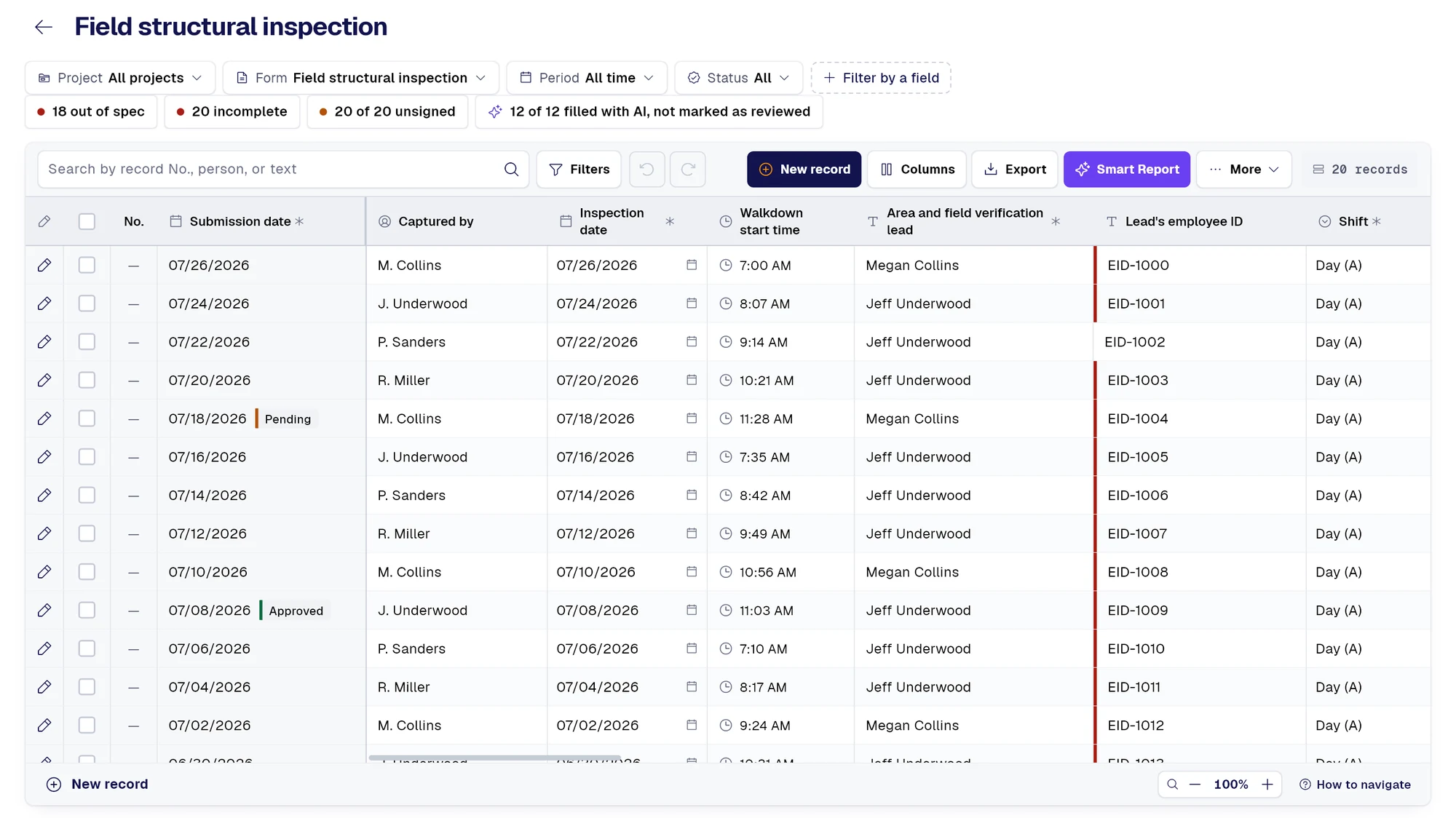
“Captured by” column with each record’s inspection date and walkdown start time

More tools

Explore more tools for the field.

Keep both hands free, or bring your paper sheets into PAIR with a photo.

Before starting: project, item, form, time-lapse, voice commands and screen mode Black screen listening: say new record. No signal, everything stays on the phone Record 4 at 5 seconds: an oil leak at the seal is being dictated Record 4 at 14 seconds: dictation continues and two images are attached Voice command list: new record, next step, save, cancel, undo and photo PAIR camera with a time-lapse every 5 seconds, heading, GPS and mini map, at a plant Session summary: records to review and what is still waiting to upload, in order Hands-free settings, Devices section: Bluetooth headset connected and PAIR Glasses, coming soon

Hands-freeProfessional

Both hands on the job.

With the phone locked, you dictate, take photos and close records by voice. Works offline.

Pair via Bluetooth

  • Rings
  • Clickers
  • Controllers
  • Smart glassesComing soon
Record with Other methods open: Vision, Voice, Scan and Manual for the Material receipt form The Scan viewfinder finds the sheet: yellow outline and four corners, with Four corners and Automatic Page 1 was captured on its own once it held still; the viewfinder already finds page 2 Record pages: both sheets, with time and GPS, ready for the AI AI is filling out the record with Scan: the fields it fills and the signature, by hand Scan filled in slip number, date, ship-to and cost center, with the yellow dot The slip lines, transcribed one by one: material, quantity, unit and total Record saved: the summary marks every value read with the yellow Scan dot

PAIR Scanwith AIProfessional

From paper to record, no typing.

Snap the sheet: Scan finds it, shoots on its own and AI fills in the fields, line by line. Offline, it is saved and processed when signal returns.

Reads

  • Paper forms
  • Receipts and slips
  • Multiple pages
  • File or PDF

Custom maps and floor plans

Every finding on its map and plan.

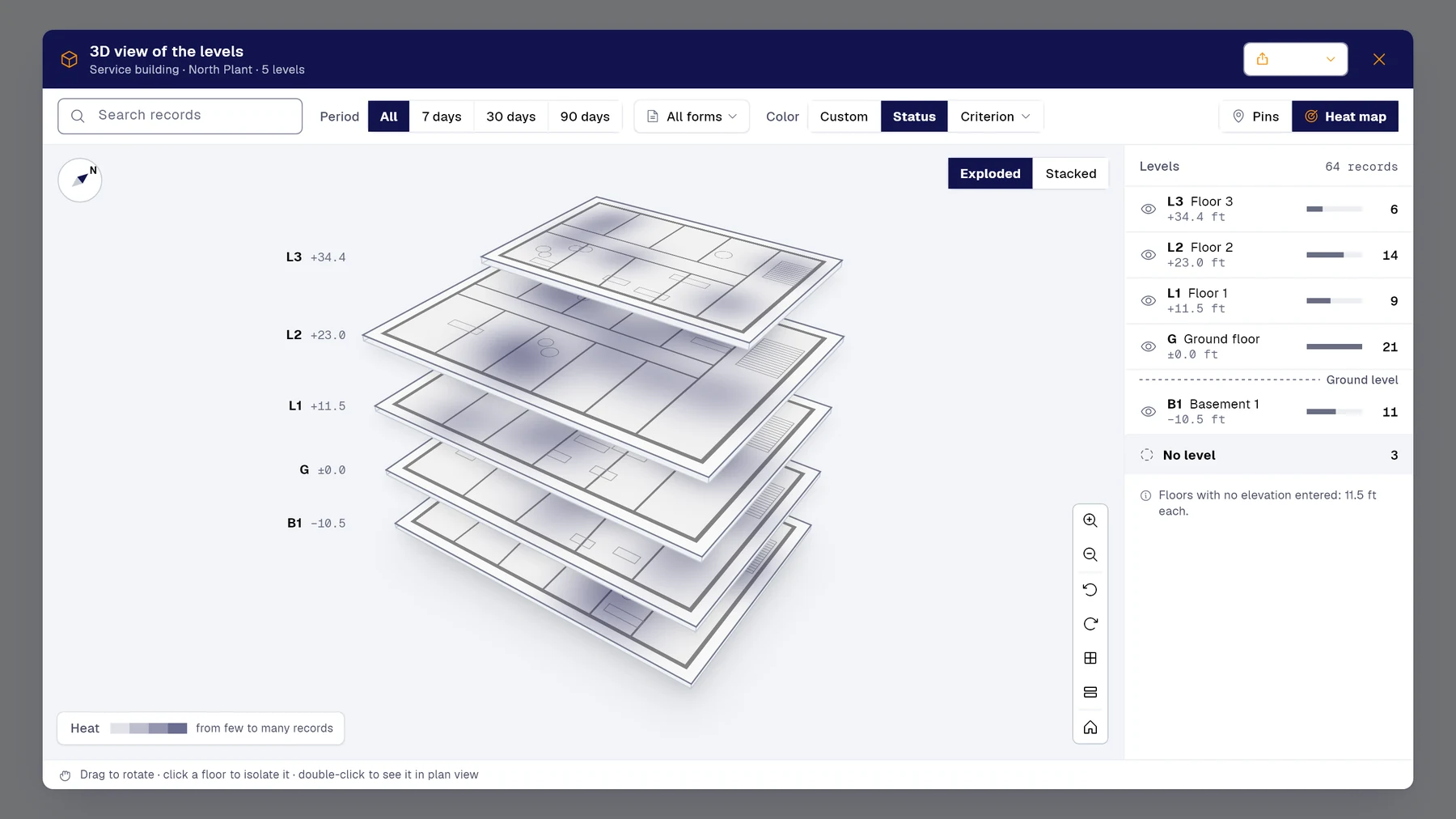
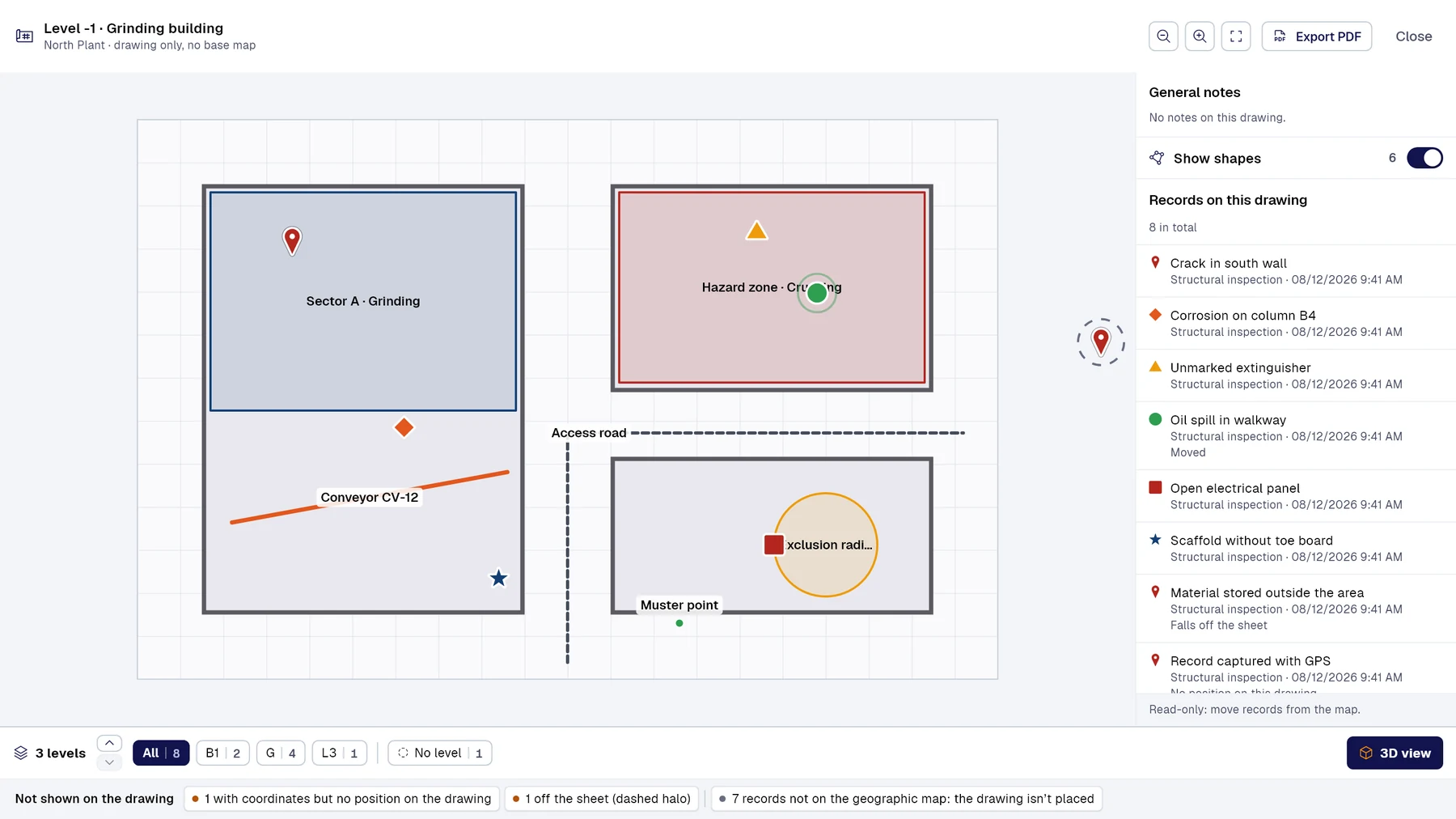
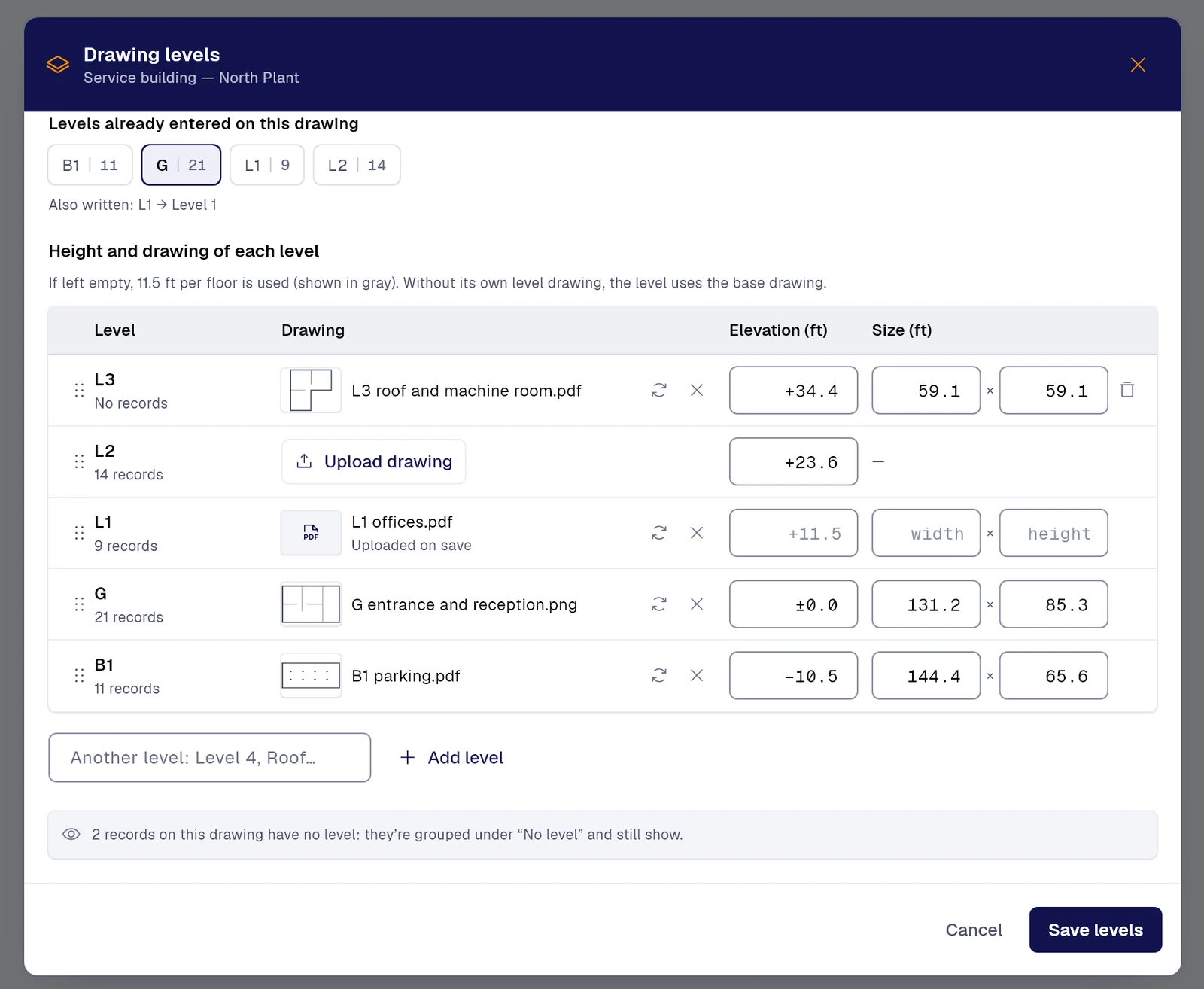
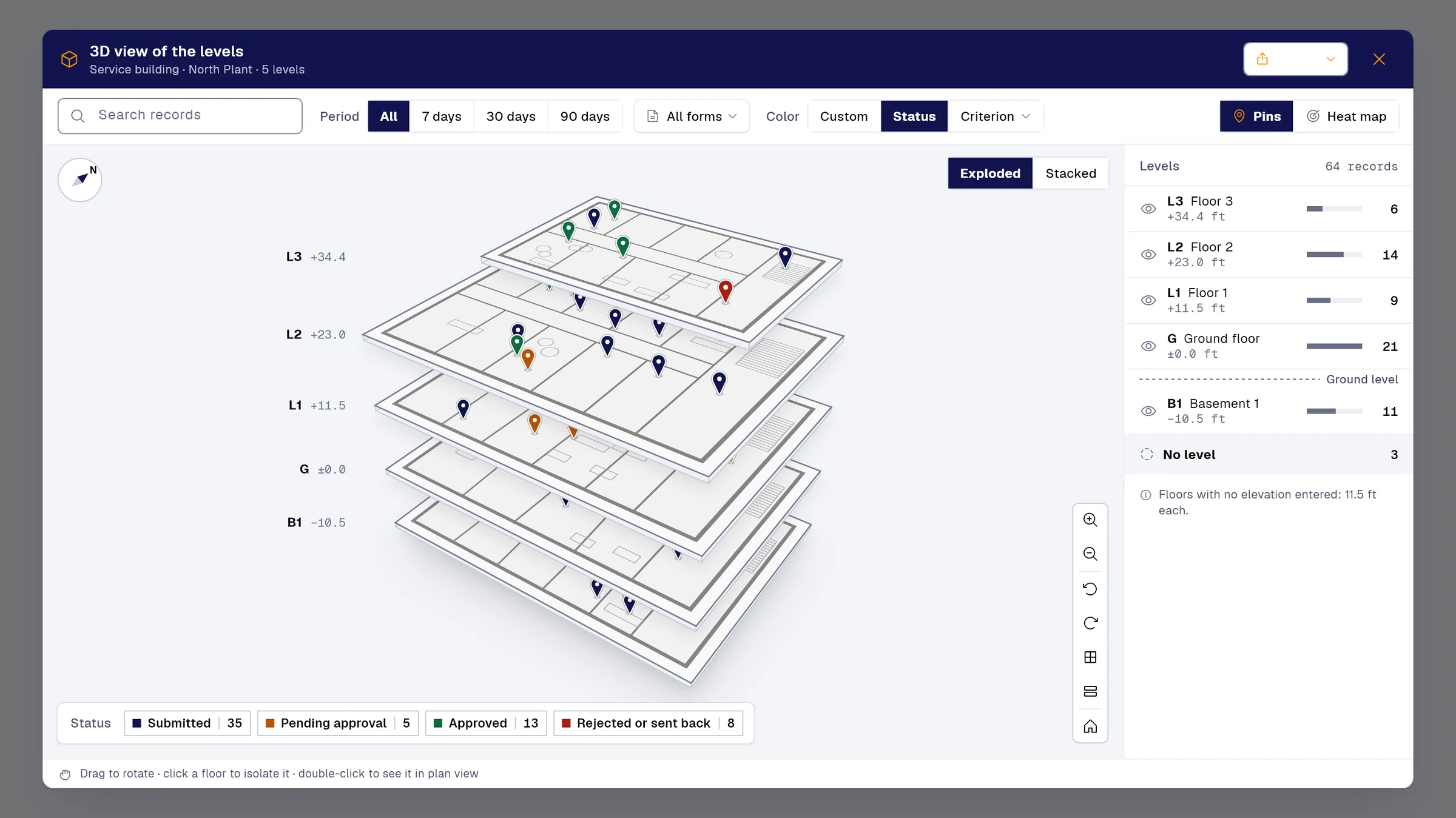
Upload your floor plans by level and see records in 3D, as a heat map or right on the plan.
Bring the floor plan of your site

3D view of a five-level building with records as pins colored by status, and the count per floor
The same 3D view as a heat map: the areas of each floor where records cluster
An uploaded floor plan with sectors, access road, risk zone and exclusion radius, with records placed on top
Floor plan levels: each floor with its uploaded drawing, elevation and dimensions

Industries

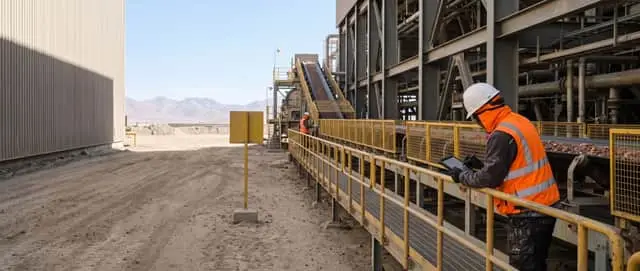
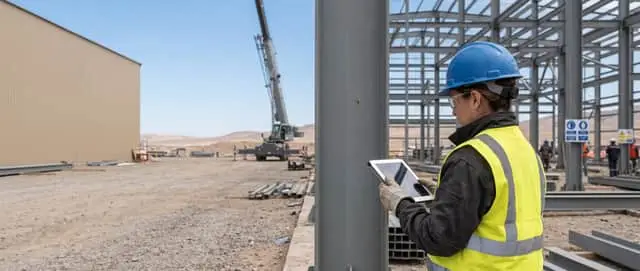
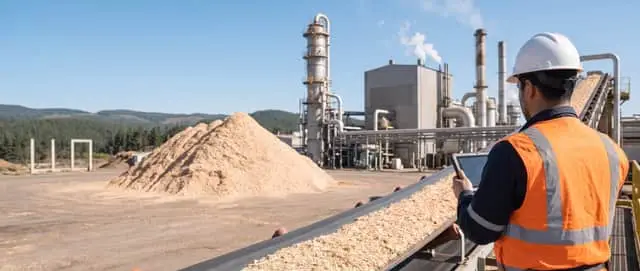
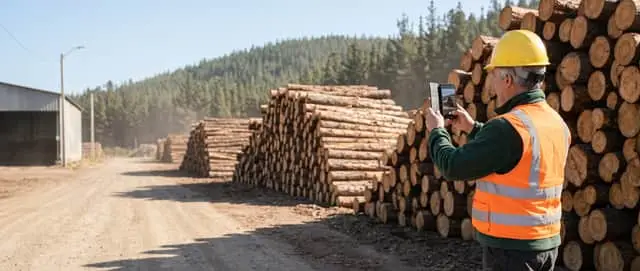
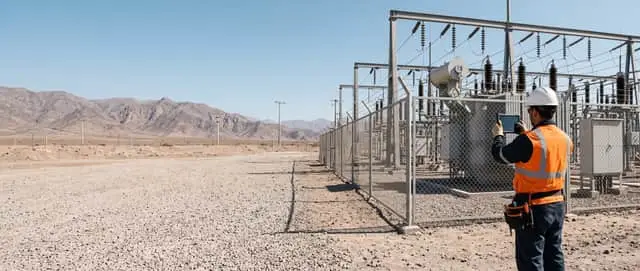
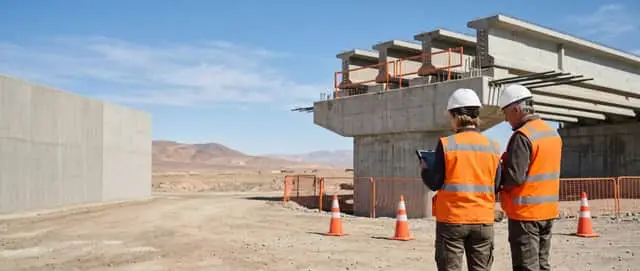
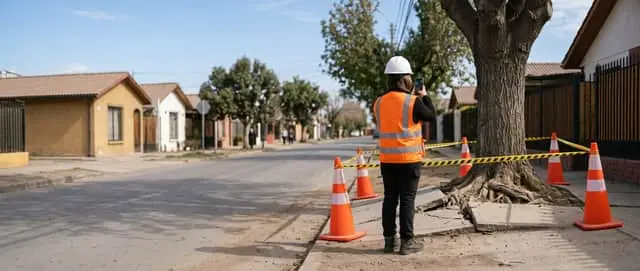
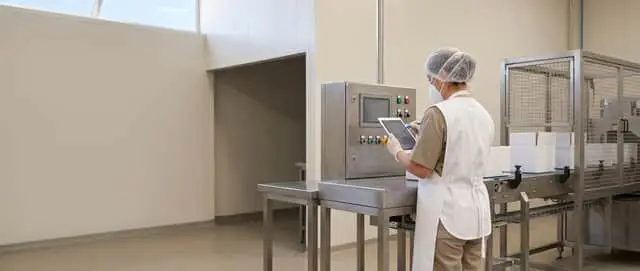
Field operations and inspection software for mining, construction, energy and more.

We start from the forms your team already uses. No starting from scratch.

The tools PAIR brings

What PAIR does for you

Against paper and the usual digital apps and forms.

PAIR’s tools against how the work gets done without them
TodayWith PAIR
Building the form field by field. AI form builderPhotograph your sheet and it comes back as a form.with AI
Typing each field, on paper or on screen. PAIR Voice, PAIR Vision and PAIR ScanYour voice, a photo or a scanned sheet fills in the fields.with AI
A locked drawer, or an open spreadsheet. Reserved fieldsSensitive data comes out masked.
Someone builds the report the following week. Smart ReportThe PDF report, with your branding.with AI
Type first, count later. Records and chartsFilter, export to Excel and chart.
Going back to site for the photo that was missing. PAIR 360Every finding, at its exact spot.With Enterprise

See all benefits

Who backs us

Programmes, incubators and companies that have backed PAIR.

Fusen World, an Atlanta-based accelerator, backs us. IncubaUdeC and the Faculty of Engineering at Universidad de Concepción have been with us since day one.


  • Startup Biobío
  • Endeavor
  • IncubaUdeC, Universidad de Concepción
  • Faculty of Engineering, Universidad de Concepción
  • Gearbox
  • Fusen

Demo

All your data, in one place.

Bring any form you use today. In a couple of minutes, you'll see it digitized and filling itself in.

Would you rather look at the plans first? See pricing.

We only use these details to get in touch. Privacy policy